
Download Black Hole – Secure Mac Privacy Cleaner
Overview: Why Mac Users Need a One‑Click Privacy Tool
Maintaining privacy on a macOS machine has become a daily challenge. Every time you browse, edit documents, or install new software, traces of your activity are left behind—recent items, caches, temporary files, and even lingering application data. While macOS includes built‑in privacy options such as Private Browsing, those features only cover a fraction of what the operating system records.
That’s where Black Hole steps in. Designed as a lightweight, single‑click solution, Black Hole automates a set of common cleanup operations that would otherwise require several manual steps. With a clear, colour‑coded interface, you can see at a glance which items have been cleared, and you retain full control over the folders and categories you want to target.
The philosophy behind Black Hole is simplicity without sacrificing effectiveness. It does not attempt to replace comprehensive system maintenance utilities like Onyx, but it shines when you need a fast, reliable way to erase sensitive data before handing your Mac over to a colleague, selling it, or simply resetting your workspace after a confidential project. The developer openly acknowledges that the tool may not achieve a 100 % sanitisation rate—some deep‑seated metadata could survive—but it provides a solid first line of defence. Importantly, Black Hole warns users to back up critical files before each run, reinforcing a responsible approach to data handling. By focusing on the most frequently accessed locations—Trash, recent items, application caches, and user‑defined folders—Black Hole offers a practical balance between speed and privacy.
In short, Black Hole is a purpose‑built app for macOS users who value quick, transparent data removal. Its minimalistic design, clear visual feedback, and single‑click operation make it an attractive addition to any privacy‑conscious workflow. Whether you are a freelance designer, a corporate employee, or a student handling personal research, Black Hole gives you a reliable, easy‑to‑use tool to keep your Mac’s sensitive data out of sight.
Key Features & How Black Hole Works
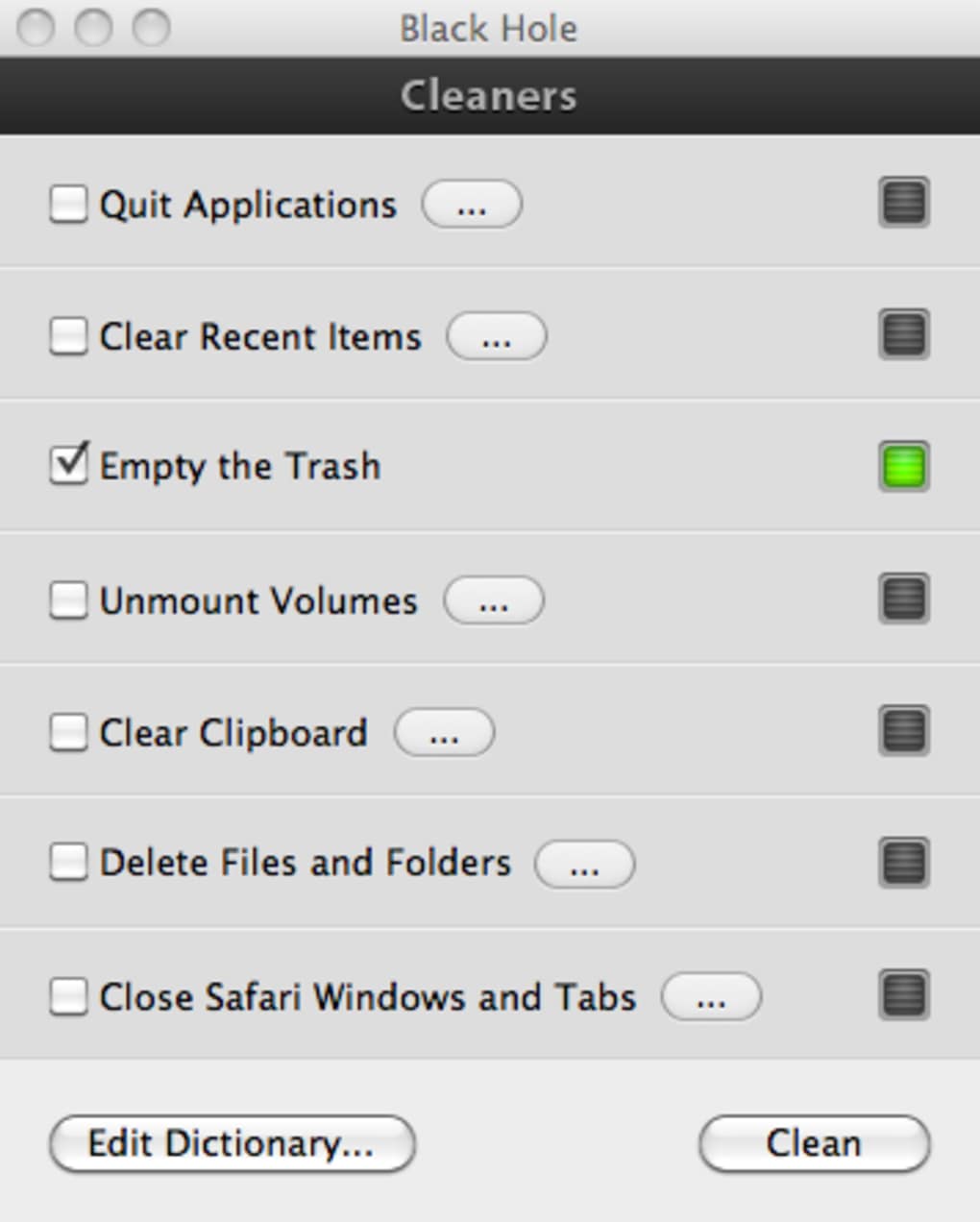
- One‑Click Quick Cleanup – Initiate a full sweep of selected categories with a single button, and watch green lights appear next to each successfully cleared item.
- Customizable Folder Selection – Use the “…” icon to add or remove specific directories from the cleaning list, giving you granular control over what gets erased.
- Application Quit Automation – Black Hole can automatically close running apps that might lock files or prevent a proper cleanup, ensuring no data is left behind.
- Recent Items Purge – Clears the recent documents, servers, and places list from the Apple menu, eliminating the “most recently used” breadcrumbs.
- Trash Emptying – Empties the macOS Trash securely, freeing up space and removing files that could otherwise be recovered.
- Visual Confirmation – Each task displays a green checkmark upon completion, providing instant reassurance that the operation succeeded.
- Lightweight Design – The app runs with minimal system resources, making it suitable for older Macs or machines with limited RAM.
- Preference to Quit After Cleanup – A new option lets Black Hole automatically quit itself once the quick cleanup finishes, streamlining the workflow.
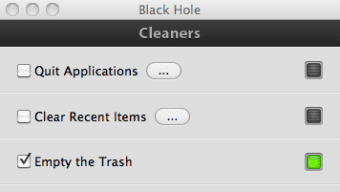
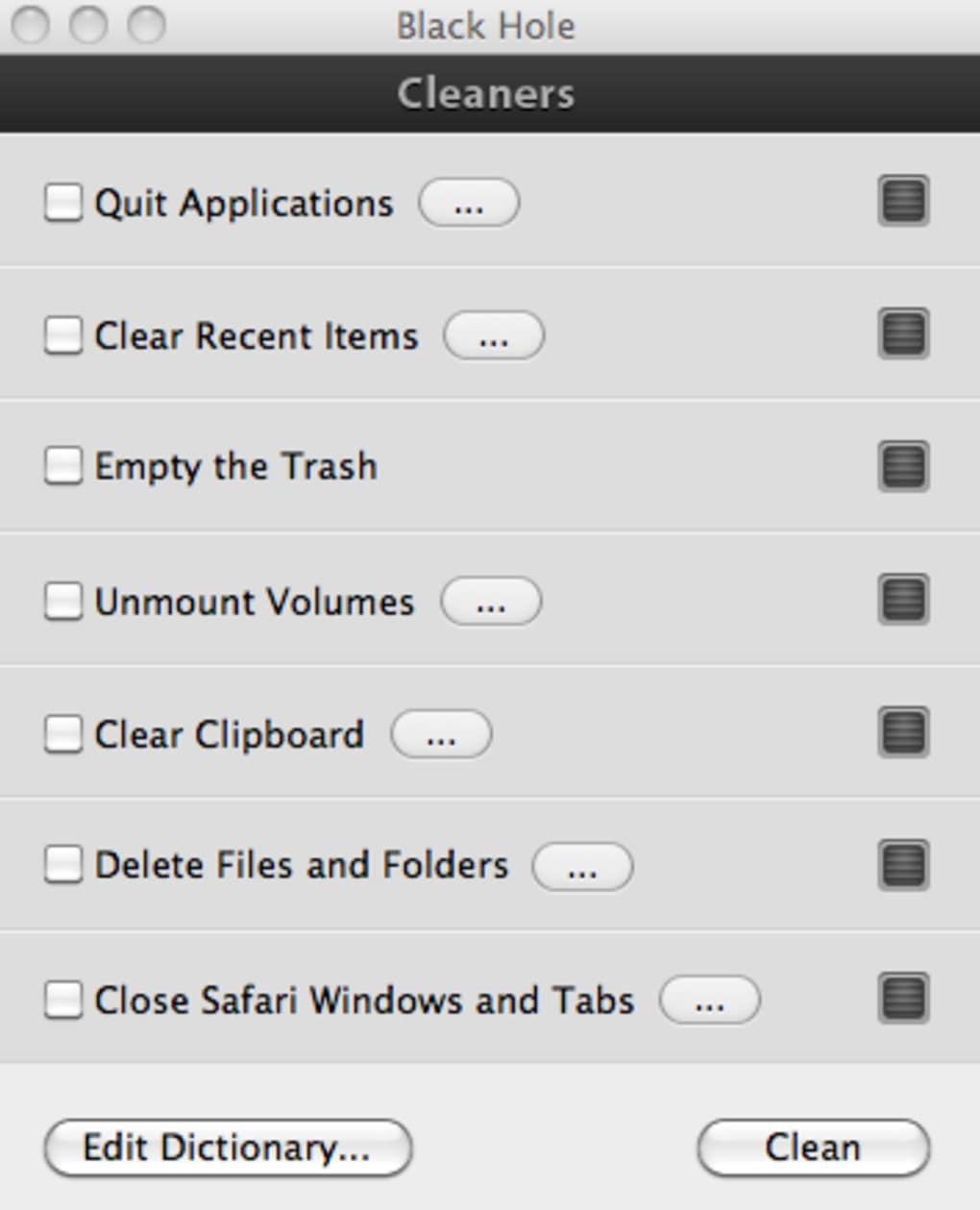
Behind the clean interface, Black Hole follows a straightforward workflow. When you launch the app, the main window presents a checklist of actions: quitting apps, clearing recent items, emptying the Trash, and any custom folders you have defined. Selecting “Quick Cleanup” triggers a sequential process.
First, Black Hole checks which applications are currently running and, if you have enabled the quit‑automation option, it sends a graceful termination signal. Next, it removes entries from the recent‑items menu, ensuring that no trace of opened documents remains. The app then proceeds to delete the contents of the macOS Trash, followed by scanning each user‑specified folder and deleting its contents.
Each step is logged internally, and the UI updates in real time. When a task finishes, a green light appears beside it, offering visual confirmation without the need to open logs or terminal windows. This transparency is particularly valuable for users who are new to privacy‑focused utilities and want to see exactly what is happening. Although Black Hole does not dive into deep system caches or perform registry‑style cleanups, its focused approach means the cleanup finishes in seconds, making it ideal for quick, on‑the‑fly privacy protection.
Installation, Usage & Compatibility
Getting Black Hole up and running on your Mac is intentionally simple. The installer is delivered as a signed .dmg file, which you can download directly from the developer’s website. After mounting the disk image, drag the Black Hole icon into your /Applications folder. macOS will verify the developer’s certificate during the first launch; if you see a warning about an unidentified developer, you can approve the app via System Settings → Privacy & Security → Open Anyway. This one‑time step ensures the software is recognized as safe and ready for use.
Once installed, launching Black Hole presents a clean window with the feature checklist described earlier. To customise the cleanup, click the “…” button next to any category and browse to the folder you wish to include. You can add as many directories as needed—common choices include ~/Downloads, ~/Documents/Confidential, or any project‑specific folder.
After configuring your preferences, simply press the Quick Cleanup button. The app will automatically close any conflicting applications, purge recent items, empty the Trash, and delete the contents of the selected folders. When the process finishes, the green checkmarks confirm success, and—if you enabled the new preference—the Black Hole window will close on its own.
Supported macOS versions include macOS 10.14 Mojave and later, up to the current macOS release at the time of writing (macOS 15). The app is built for Intel as well as Apple Silicon (M1/M2) processors, delivering native performance on both architectures. Because Black Hole interacts only with user‑level files and system menus, it does not require elevated privileges, and there is no need to modify system files or run scripts in Terminal. This design choice reduces the risk of accidental system damage and aligns with Apple’s security model.
For users who prefer a more controlled approach, Black Hole also offers a preferences pane where you can toggle the automatic quit‑after‑cleanup feature, enable or disable the quit‑automation for running apps, and set the app to launch at login if you want the tool always available. Regular updates are released through the built‑in updater, ensuring compatibility with the latest macOS releases and incorporating minor bug fixes. Overall, the installation and usage experience is designed to be as frictionless as possible, allowing even non‑technical Mac owners to protect their privacy with confidence.
Pros, Cons, FAQ & Final Verdict
Pros
- Extremely fast one‑click cleanup – ideal for quick privacy needs.
- Clear visual feedback with green checkmarks after each task.
- Custom folder selection gives users granular control over what gets erased.
- Lightweight and runs on both Intel and Apple Silicon Macs.
- No need for terminal commands or advanced system knowledge.
Cons
- Limited to surface‑level cleaning; does not replace full‑system utilities like Onyx.
- Cannot guarantee 100 % data removal for deeply hidden caches or metadata.
- No built‑in secure‑erase (e.g., multiple overwrite passes).
- Relies on user backups; accidental data loss is possible if mis‑configured.
- Missing integration with browser private‑mode equivalents.
Frequently Asked Questions
Is Black Hole free to use?
Yes, Black Hole is available as a free download. The developer offers it without a subscription, though donations are accepted to support future updates.
Can Black Hole securely erase files beyond simple deletion?
Black Hole performs standard file deletions, which move items to the Trash before emptying it. It does not implement multiple‑pass overwriting, so for highly sensitive data you may want to follow up with a dedicated secure‑erase tool.
Will Black Hole affect my system performance?
The app is lightweight and runs only during cleanup. Users report negligible CPU or memory usage, making it safe for older Macs.
Do I need to grant admin privileges for Black Hole to work?
No. Black Hole operates within the user’s space and does not require elevated privileges, which helps maintain macOS security standards.
How often should I run Black Hole?
It depends on your workflow. For frequent privacy‑sensitive tasks, a daily quick cleanup is advisable. If you only need occasional sanitisation—such as before selling a Mac—run it just before the hand‑over.
Conclusion & Call to Action
Black Hole fills a specific niche in the macOS ecosystem: a fast, user‑friendly tool that removes the most visible traces of your activity with a single click. While it does not replace a full‑featured maintenance suite, its simplicity, visual feedback, and custom folder support make it an excellent addition for anyone who values privacy but lacks the time or expertise to perform manual cleanups. By combining a clean interface with responsible warnings—such as the recommendation to back up data before each run—Black Hole encourages safe practices without overwhelming the user.
Ready to protect your Mac’s privacy in seconds? Download Black Hole now and experience a hassle‑free cleanup that lets you work confidently, knowing your sensitive files are quickly cleared from sight.







